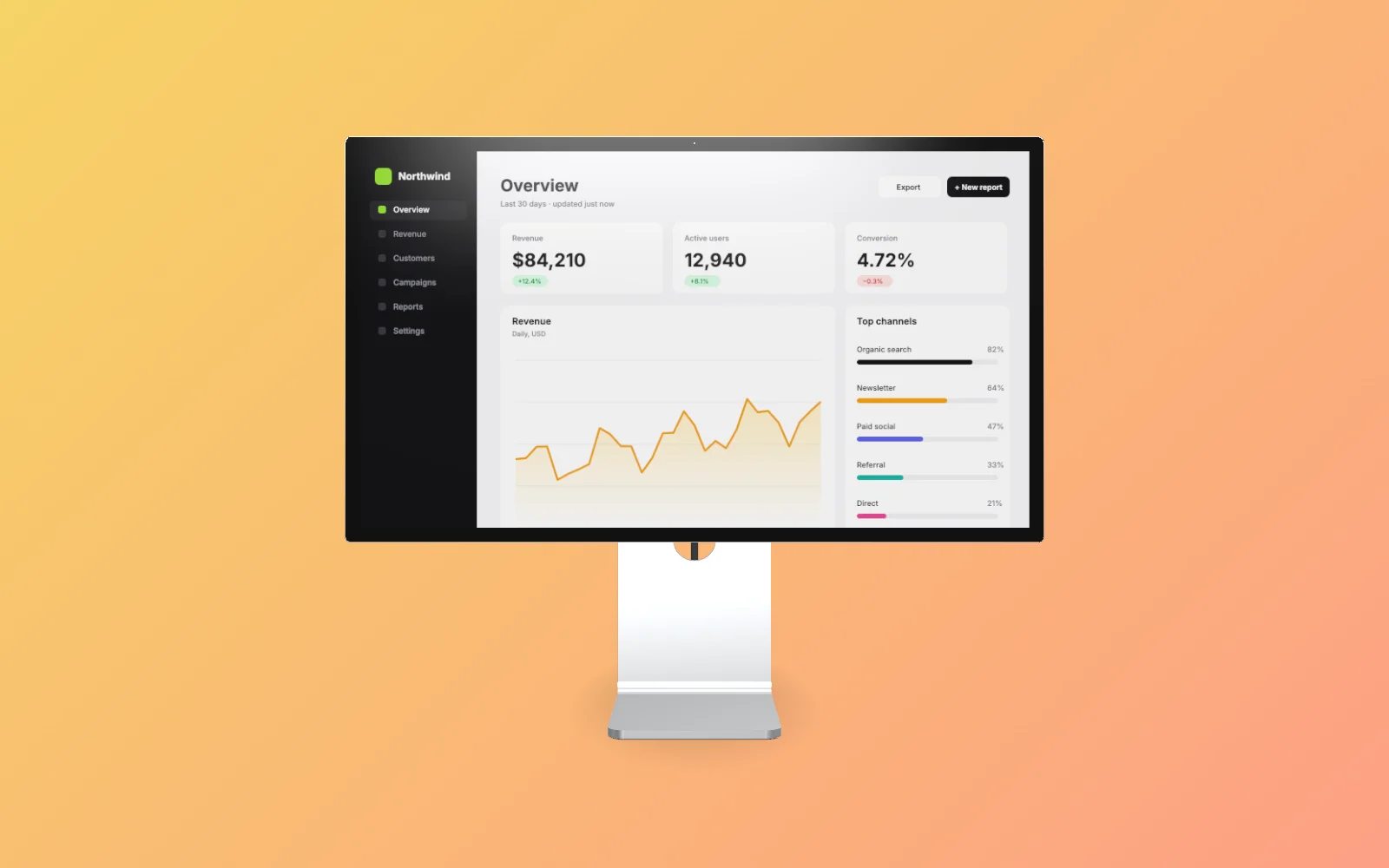
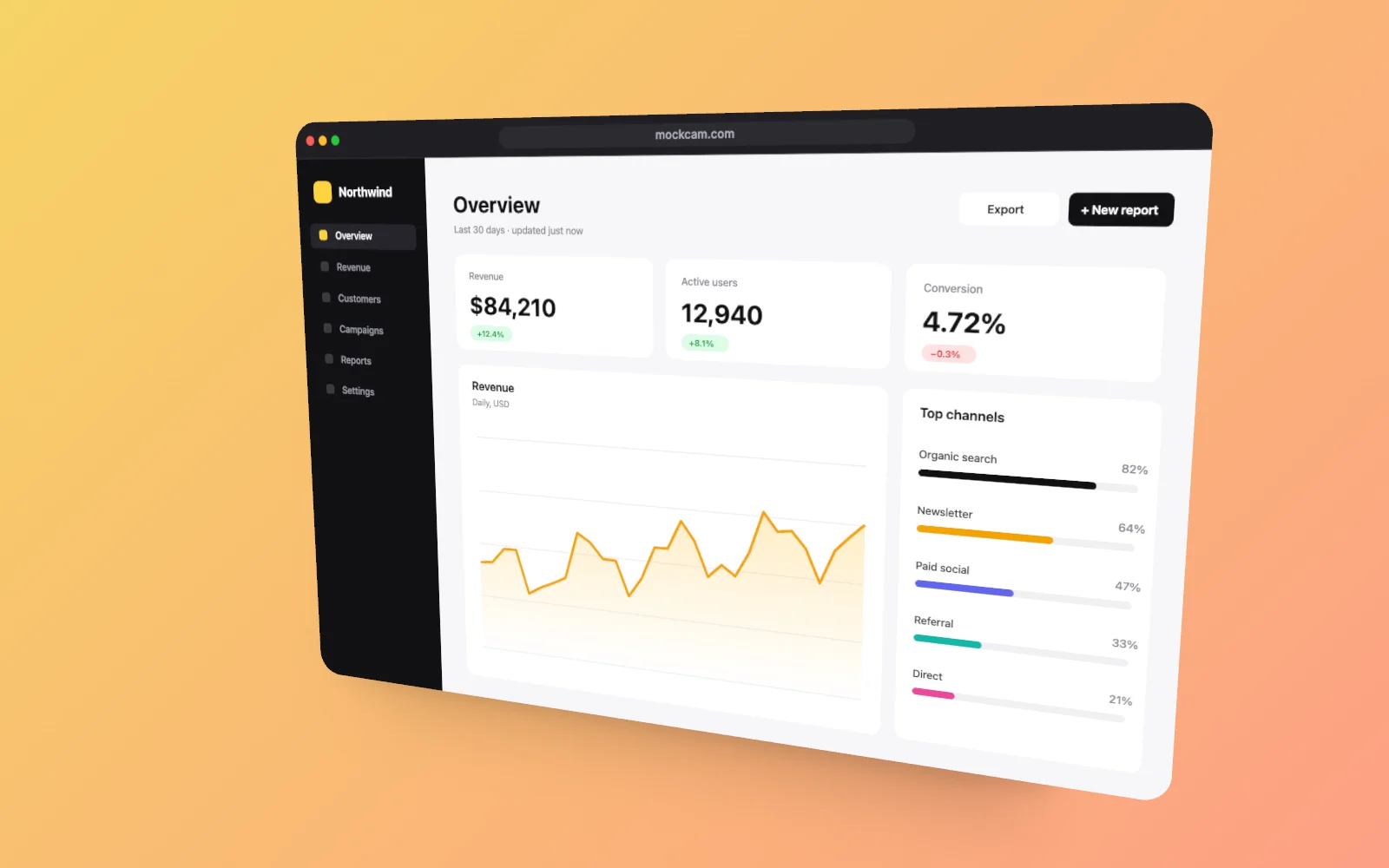
MacBook Pro mockup generator, in real 3D
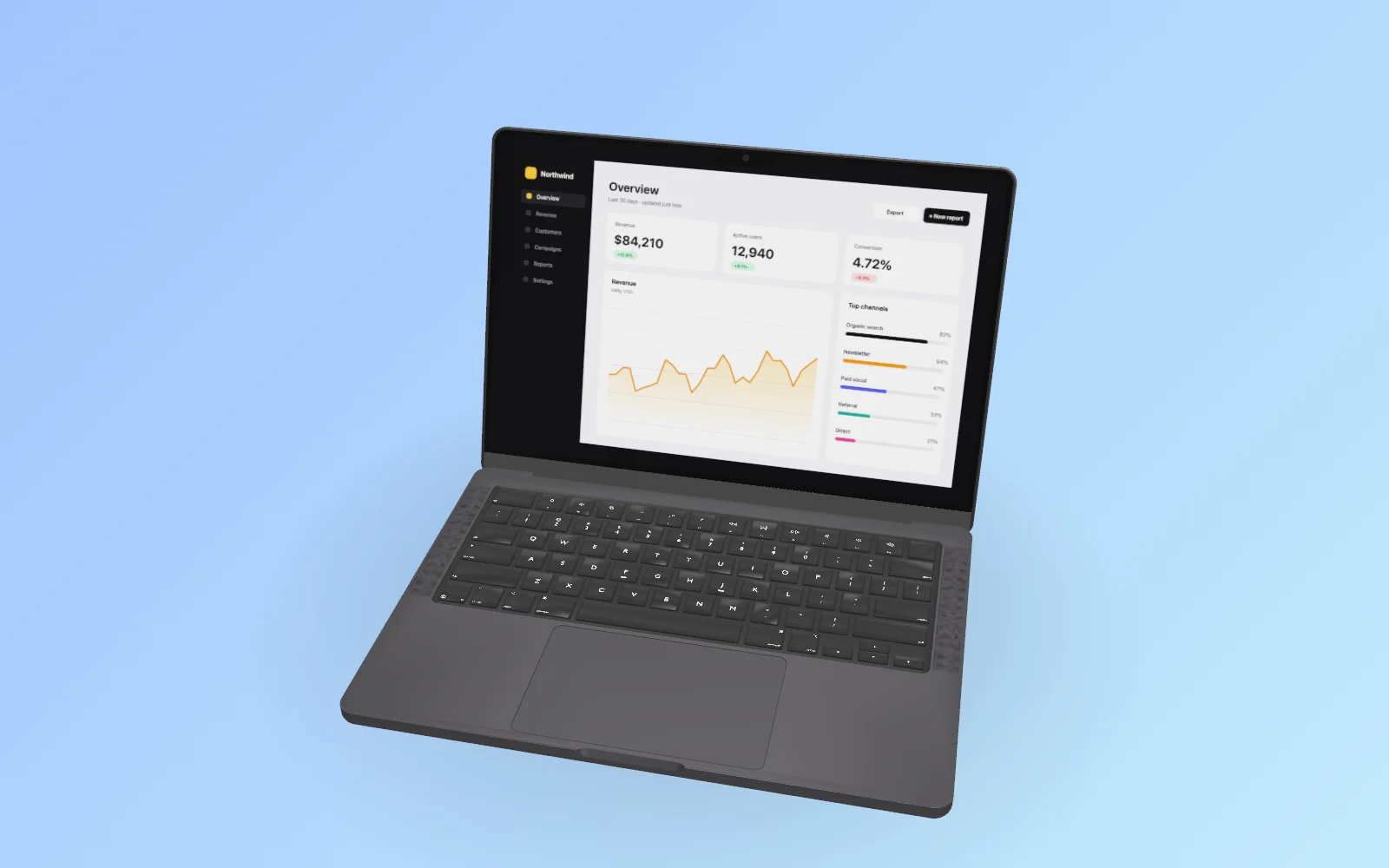
MockCam places your screenshot on a real 3D MacBook Pro 14 model. Turn it to any angle, open or close the lid, pick a backdrop and export a 4K image. No Photoshop, no smart objects, no 3D software. Video export is coming soon.
Free in your browser. No sign-up to try it. Pricing
How to make a MacBook Pro mockup
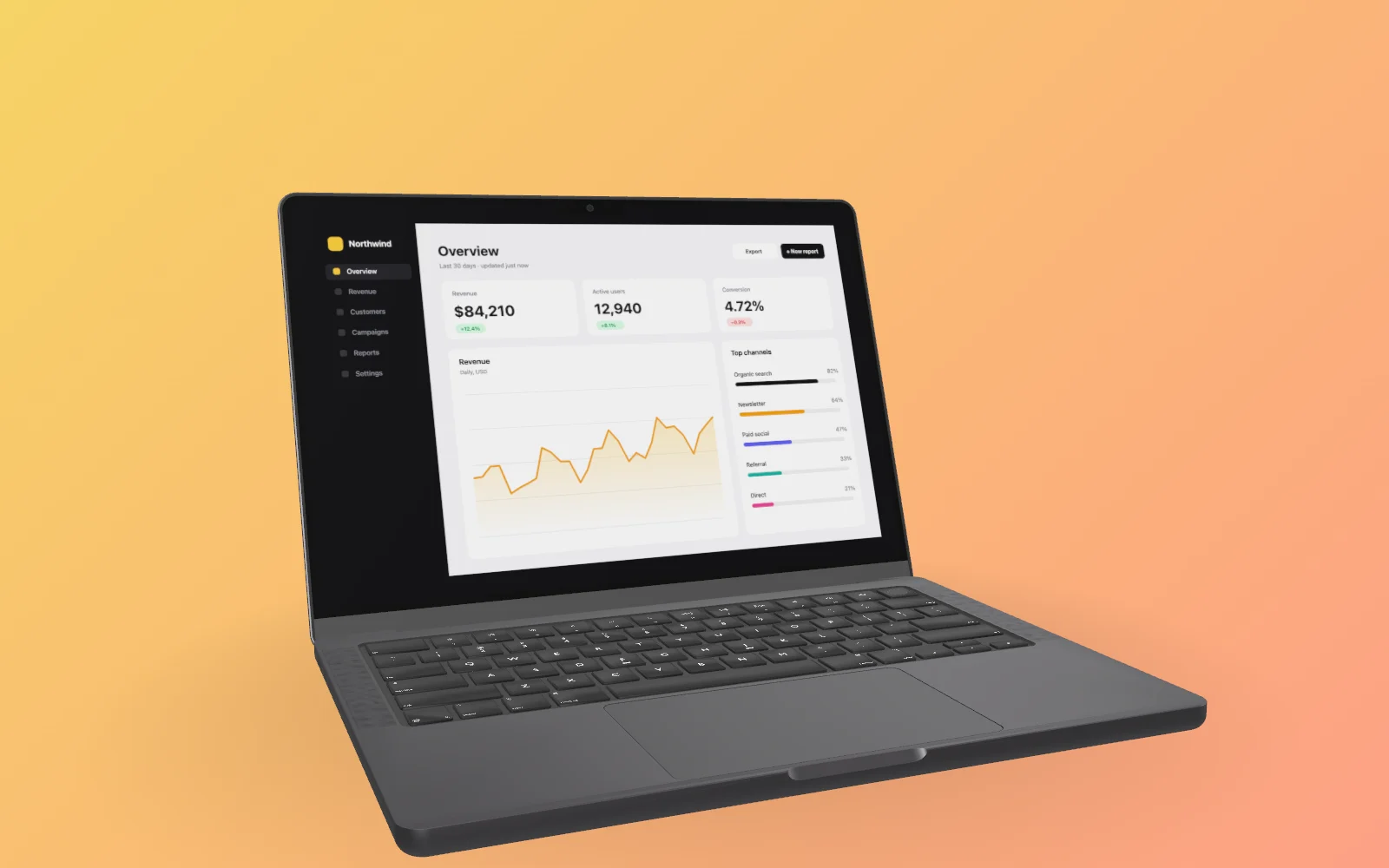
- Drop a screenshot into MockCam.
- Choose the MacBook Pro, then set the angle, backdrop and light.
- Export a 4K image. 60 fps video is coming soon.
MacBook Pro mockup examples
Rendered in MockCam, from the same 3D model you'll use.
Why a 3D MacBook Pro mockup
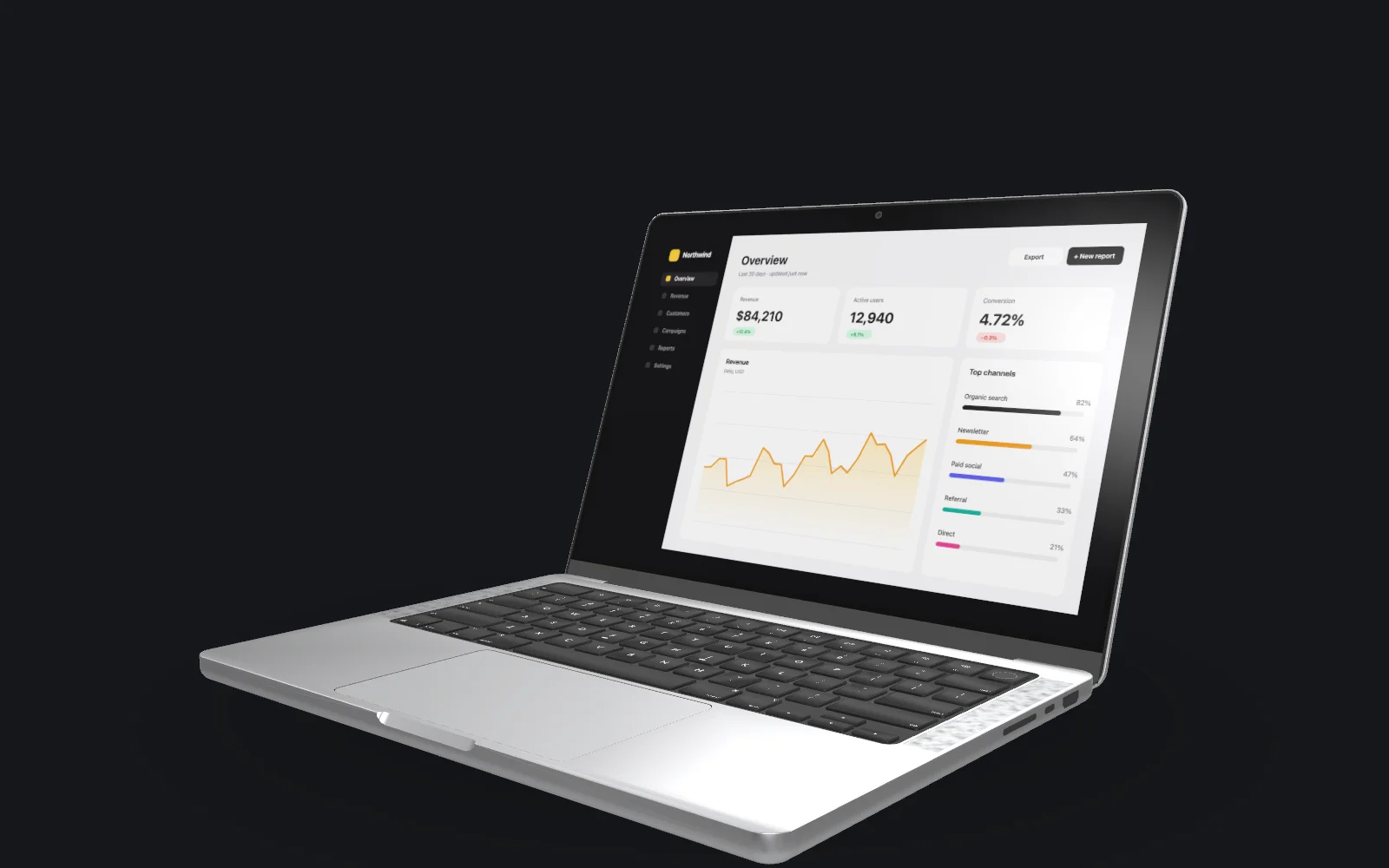
Most MacBook mockups are flat PSD templates: one fixed angle, and you paste your screenshot into a smart object. MockCam uses a 3D model instead, so the angle, the lighting and the backdrop are yours to choose, and your screen stays sharp at every angle because it is rendered as a texture on the display, not warped in 2D.
Because the device is real 3D, the same scene will also become a video once video export ships: a slow orbit around the laptop, a push-in or a focus pull. That is the part a PSD can't do.
MacBook Pro mockup options
| Model | MacBook Pro 14-inch (MacBook Air, and more sizes, are planned) |
|---|---|
| Finishes | Space Black, Silver |
| Lid | Any angle, from closed to fully open |
| Camera | Free rotation on three axes, pan, zoom, field of view, depth of field |
| Screen | Screenshot (screen recordings coming soon), with a brightness control so the screen reads well on dark or light backdrops |
| Photo export | PNG, JPEG or WebP at HD, 2K or 4K |
| Video export | Coming soon: MP4 (H.264) or WebM at HD, 2K or 4K, 30 or 60 fps, with keyframed camera moves |
| Free plan | 3 photo captures a week, no watermark, personal use |
| Pro, $12/month | Commercial licence, 36 captures a week (20 videos once video ships) |
MacBook Pro mockup FAQ
Is the MacBook Pro mockup free?
Yes. The free plan includes the MacBook Pro model with 3 photo captures a week, up to 4K, with no watermark. Pro raises the limits and adds a commercial licence.
Can I use a screen recording, not just a screenshot?
Not yet. Video export comes first: camera moves around your screenshot, as MP4 or WebM up to 4K at 60 fps. Screen-recording input follows.
Which MacBook sizes are there?
The 14-inch MacBook Pro is ready today. MacBook Air and more sizes are planned; they will be added to this page when they ship.
Do I need to install anything?
No. MockCam runs in the browser. Your files stay on your device unless you save them to the cloud camera roll on a paid plan.
What sizes can I export?
HD, 2K or 4K, in 16:9, 4:3, 3:2, 1:1, 4:5 or 9:16. PNG, JPEG or WebP for photos. MP4 and WebM video export is coming soon.