1%
Setting up the studio
MockCam is a browser-based studio that turns screenshots into 4K 3D product shots on real 3D MacBook Pro and Studio Display XDR models.
3D product shots for software, right in your browser. Drop a screenshot above, pick a device, and press the shutter.
What you can make with MockCam
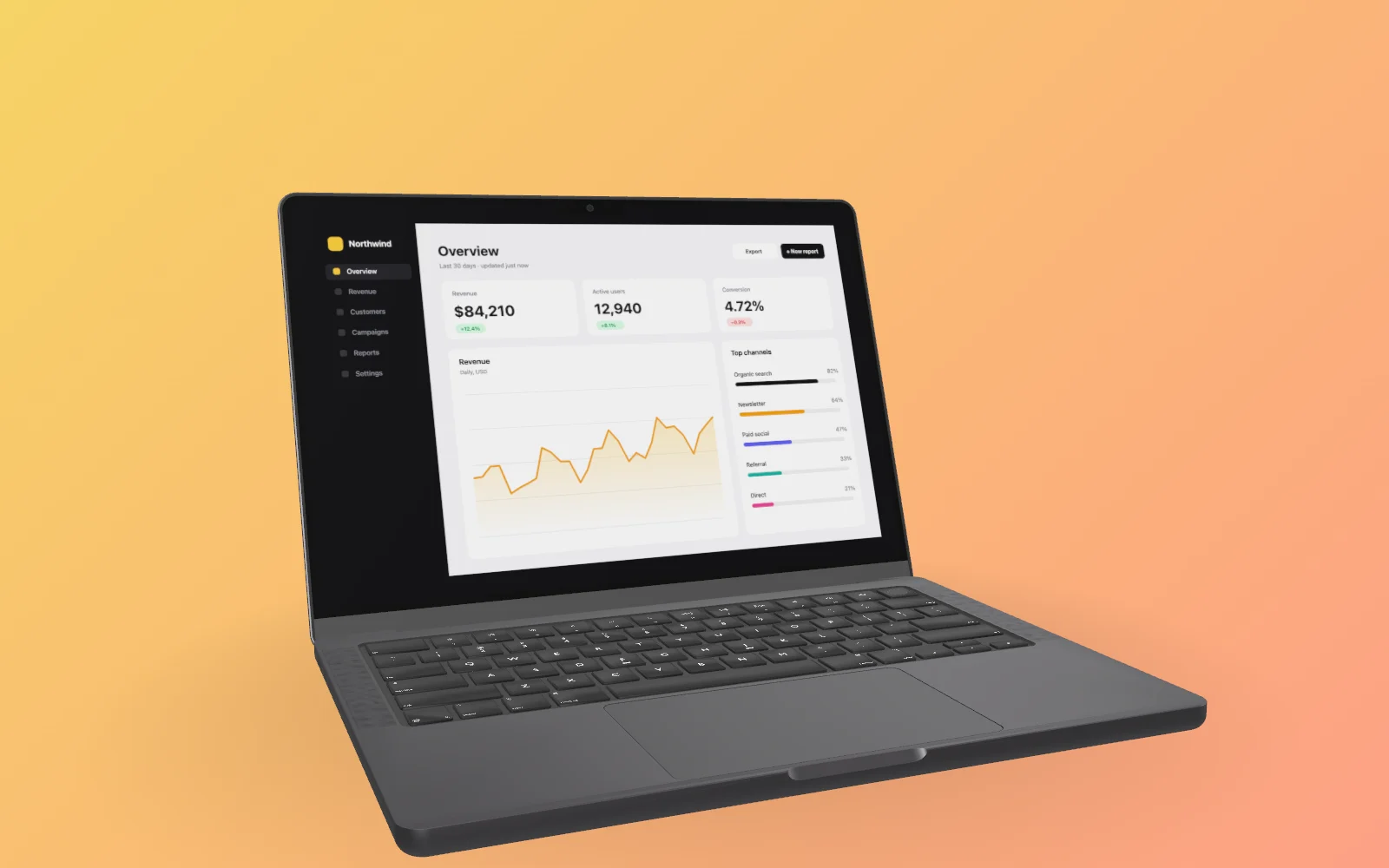
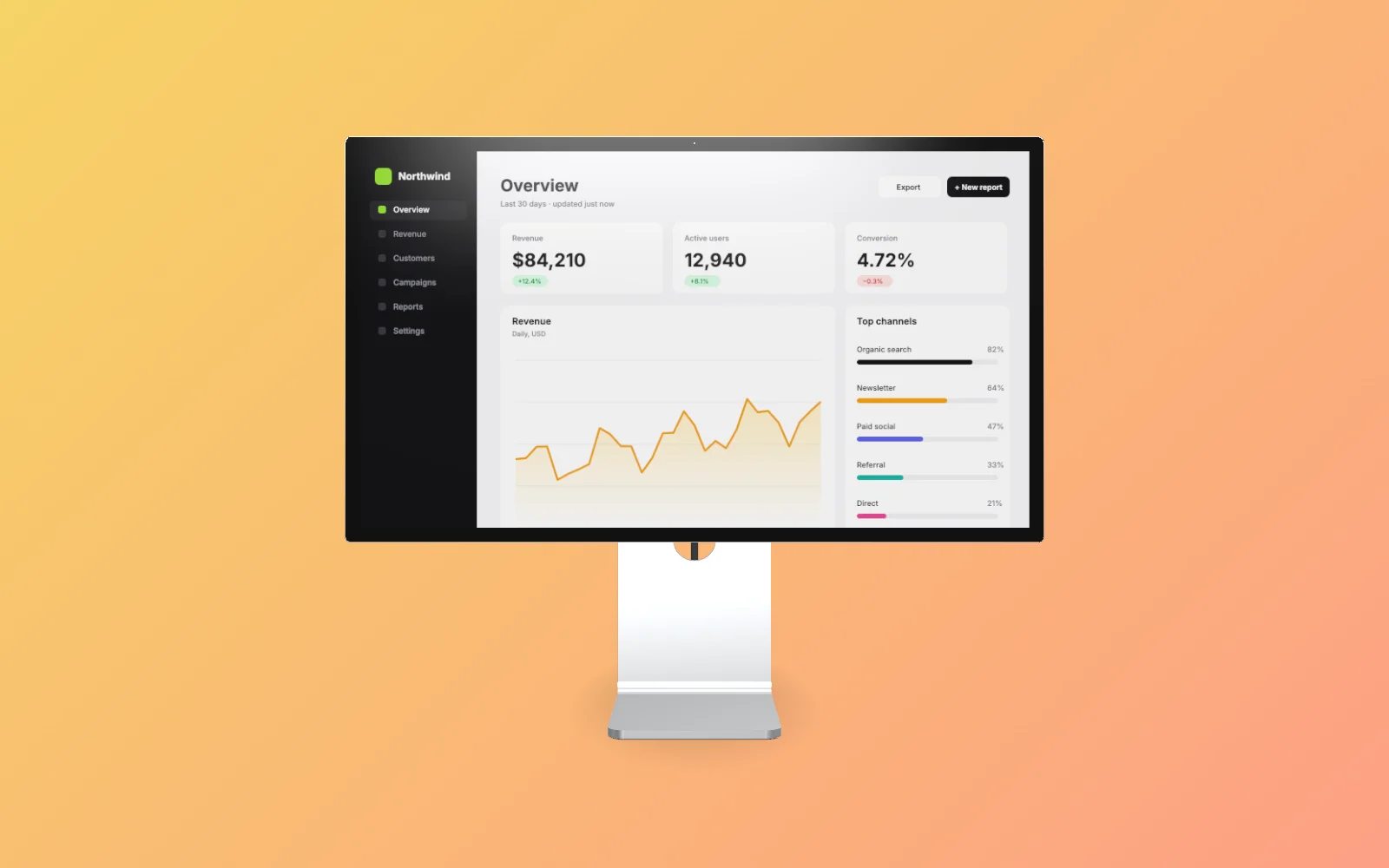
Real 3D devices
MacBook Pro 14 and Studio Display XDR as true 3D models. Any angle, and your screen stays sharp.
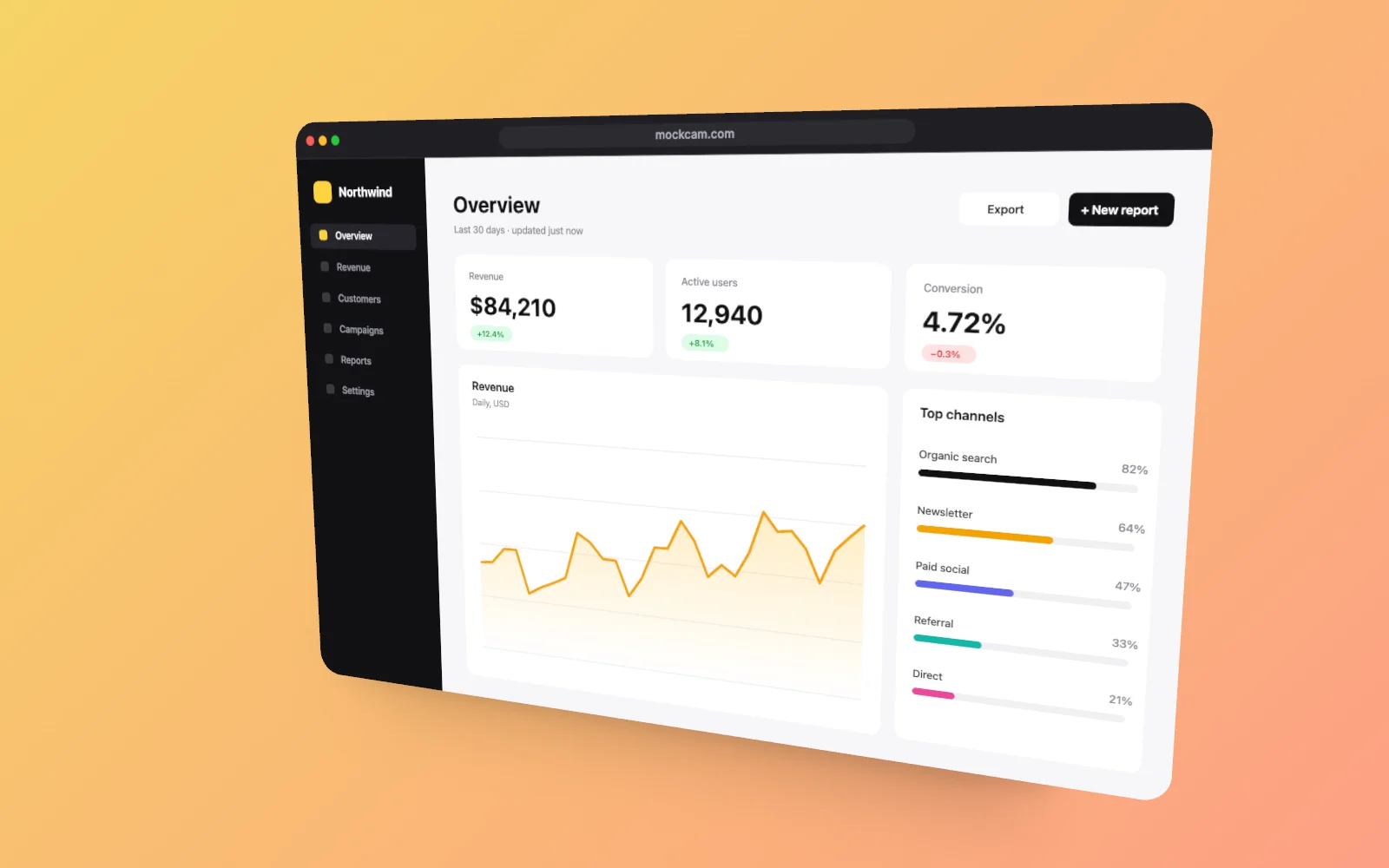
Browser frames and beautifier
A clean browser window with your URL, or just rounded corners, padding, a border and a soft shadow.
Camera like a photographer
Rotation on three axes, zoom, field of view, autofocus or manual focus, and depth-of-field blur.
Backdrops
Gradients, solid colours, your own image, or a soft blur of your screenshot.
Up to 4K stills
HD, 2K or 4K in 16:9, 4:3, 3:2, 1:1, 4:5 or 9:16, as PNG, JPEG or WebP.
Private by default
Rendering happens on your device. Your screenshots and camera roll stay in your browser.
3D devices
Real 3D models, not flat templates. More are on the way.
How it works
- 1
Drop a screenshot into the studio, or paste it. It stays in your browser.
- 2
Pick a 3D device or a browser frame, then turn the camera, choose a backdrop and add a shadow.
- 3
Press the shutter to export a PNG, JPEG or WebP at HD, 2K or 4K.
Pricing
| Plan | Price | What you get |
|---|---|---|
| Free | Free | 1 project, 3 assets · 3 photo captures a week · 1 video a week, up to 12 s (video coming soon) |
| Pro | $12 / month | 5 projects, 8 assets each · 36 captures a week · 20 videos a week, up to 30 s (video coming soon) |
| Unlimited | $24 / month | Unlimited projects and assets · Unlimited captures and videos (video coming soon) · Videos up to 3 minutes (video coming soon) |
Launch pricing. Yearly billing saves about 28%. Full pricing
FAQ
What is MockCam?
MockCam is a browser-based studio that turns screenshots into 4K 3D product shots on real 3D MacBook Pro and Studio Display XDR models.
Is MockCam free?
Yes. The free plan includes 3 photo captures a week up to 4K, with no watermark on photos. Pro is $12 a month and Unlimited is $24 a month.
Do I need an account?
No. Open the studio and drop a screenshot. An account is only needed for paid plans and, later, the cloud camera roll.
Are my screenshots uploaded?
No. Rendering happens in your browser, so your files stay on your device.
Which devices can I use?
Today: MacBook Pro 14 (Space Black, Silver), Studio Display XDR, Browser window frame. iPad Pro, iPhone and MacBook Air are planned.
Can I export video?
Not yet. Photo export (PNG, JPEG and WebP up to 4K) works today. Video export, with keyframed camera moves on your screenshot, is coming soon.
How is MockCam different from ui.camera or Shots.so?
MockCam puts your UI on real 3D device models that you can turn to any angle, not just a flat frame. Pro costs $12 a month.