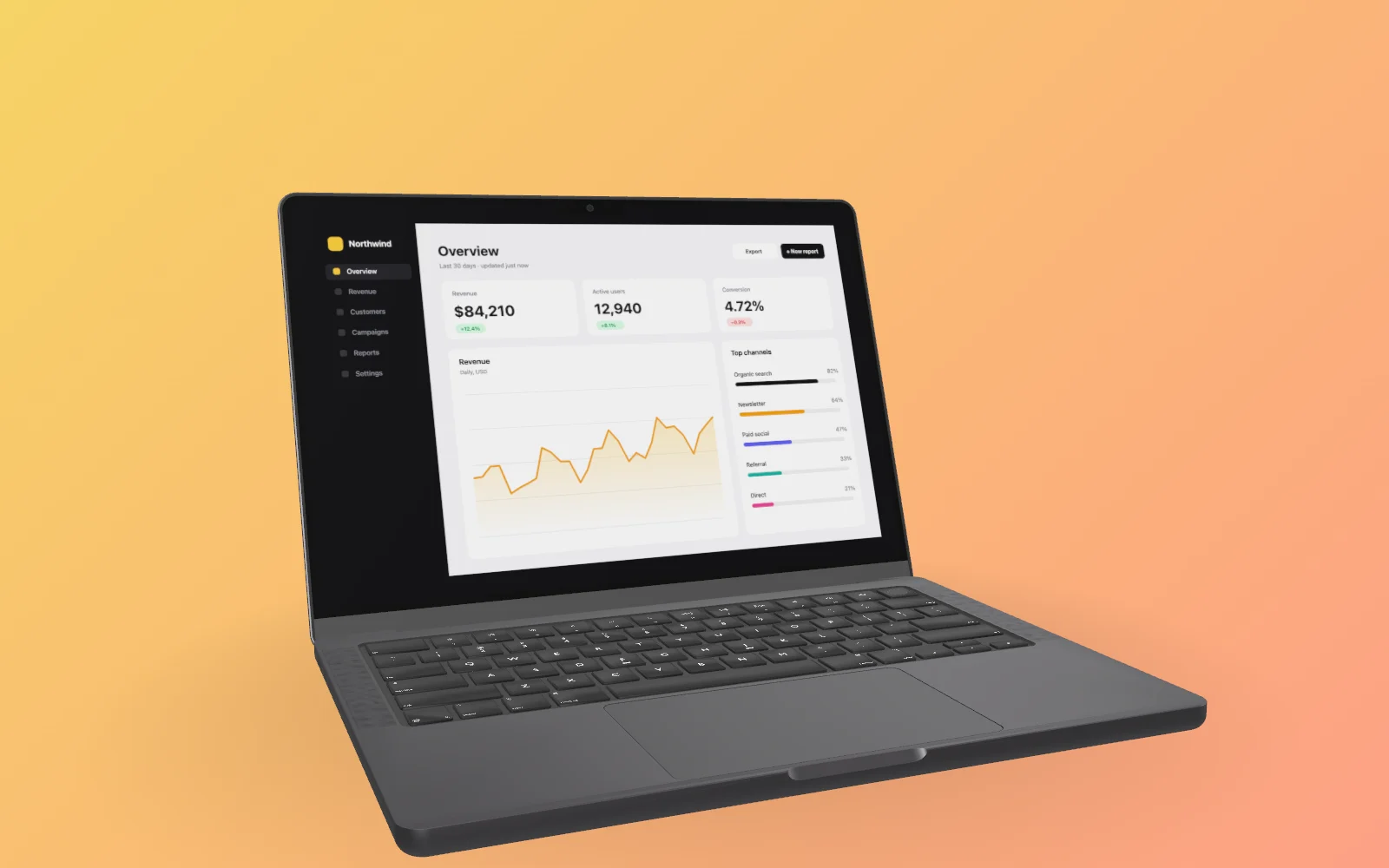
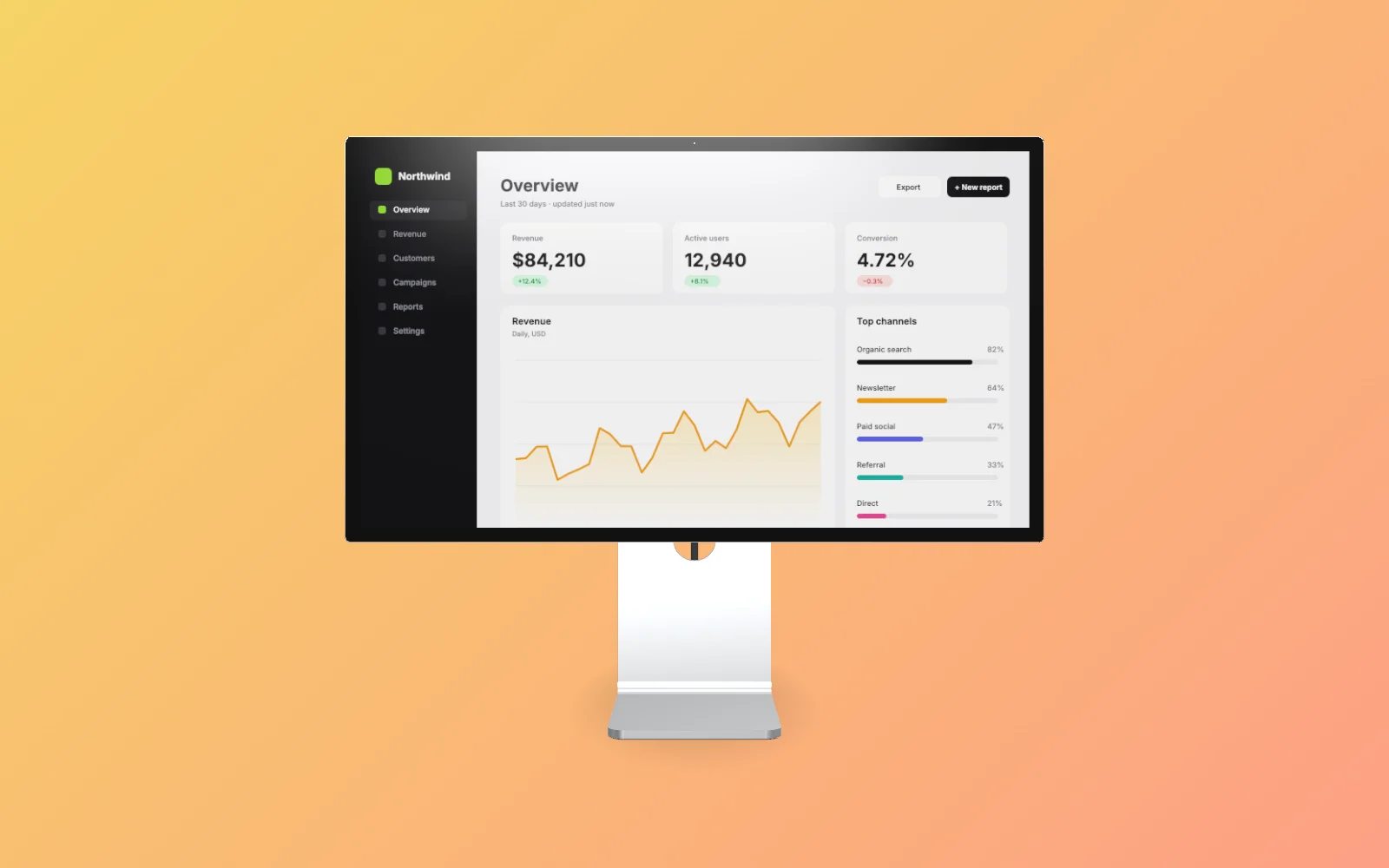
Browser mockup generator with a real 3D tilt
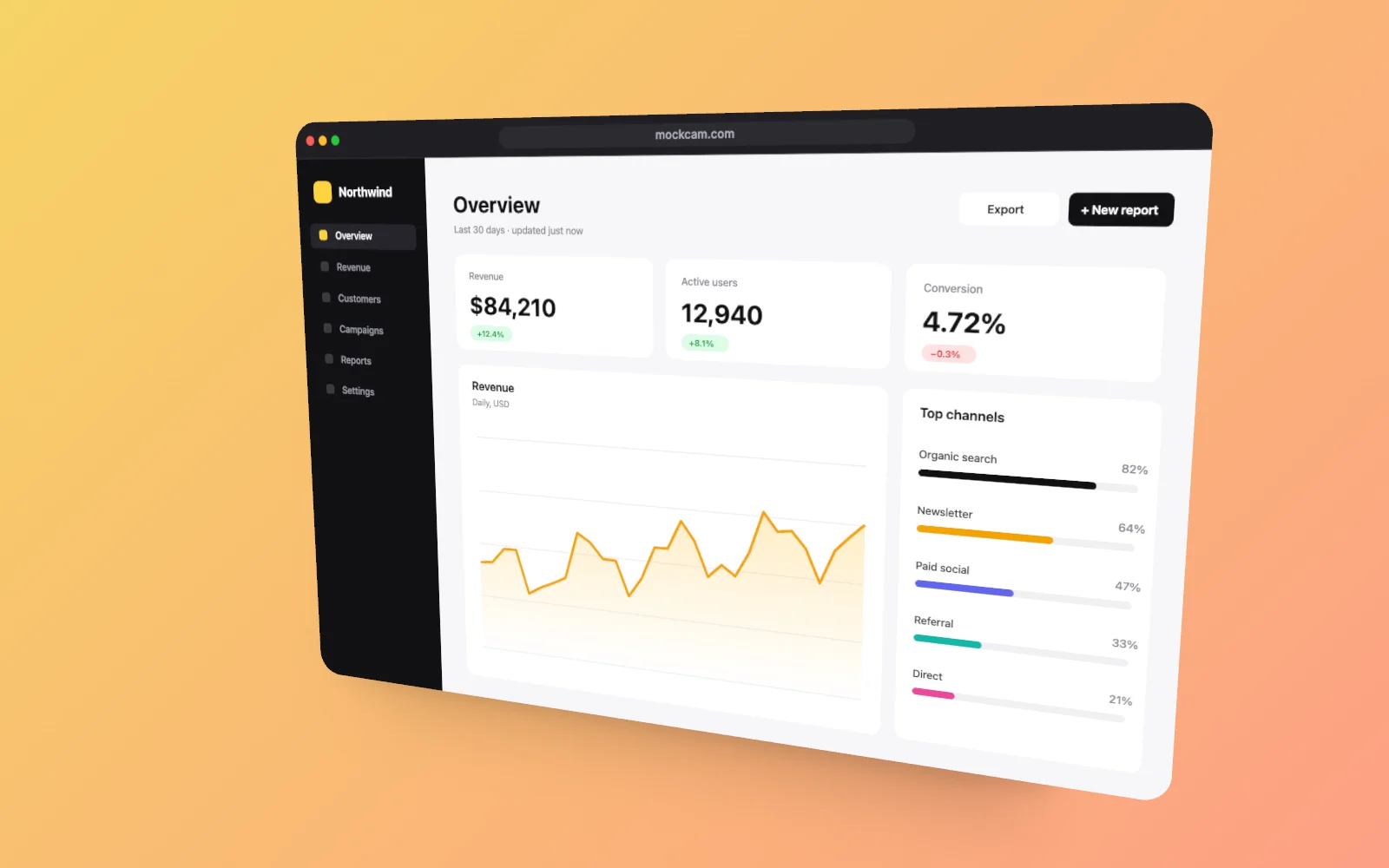
Sometimes you don't want a device, just a neat browser window around your screenshot. MockCam adds a browser frame with your URL in light or dark, then lets you tilt it in 3D, add a backdrop and a soft shadow, and export it at up to 4K.
Free in your browser. No sign-up to try it. Pricing
How to make a Browser window mockup
- Drop a screenshot into MockCam.
- Choose the Browser window frame, then set the angle, backdrop and light.
- Export a 4K image. 60 fps video is coming soon.
Browser window mockup examples
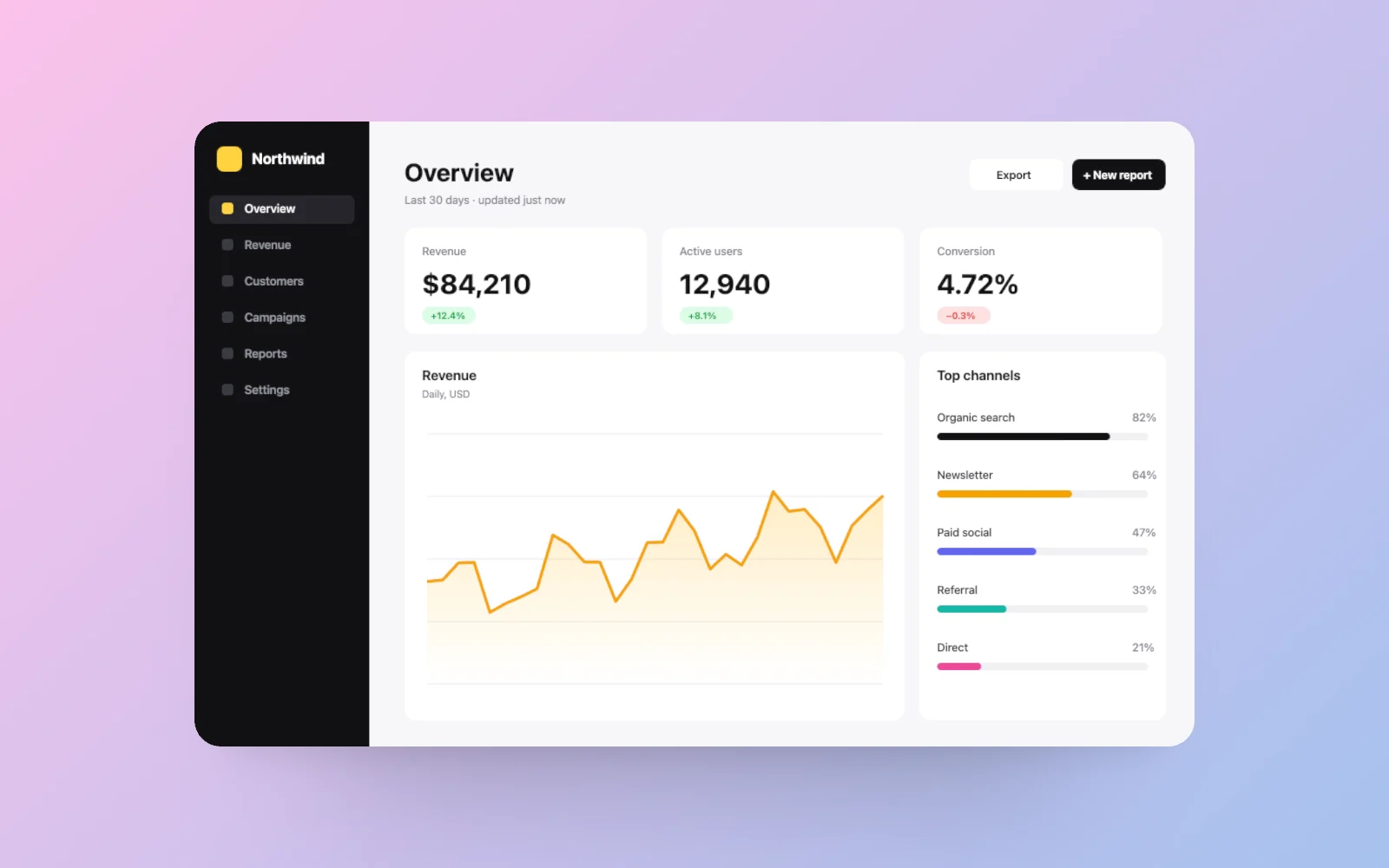
Rendered in MockCam, from the same 3D model you'll use.
Why a 3D Browser window mockup
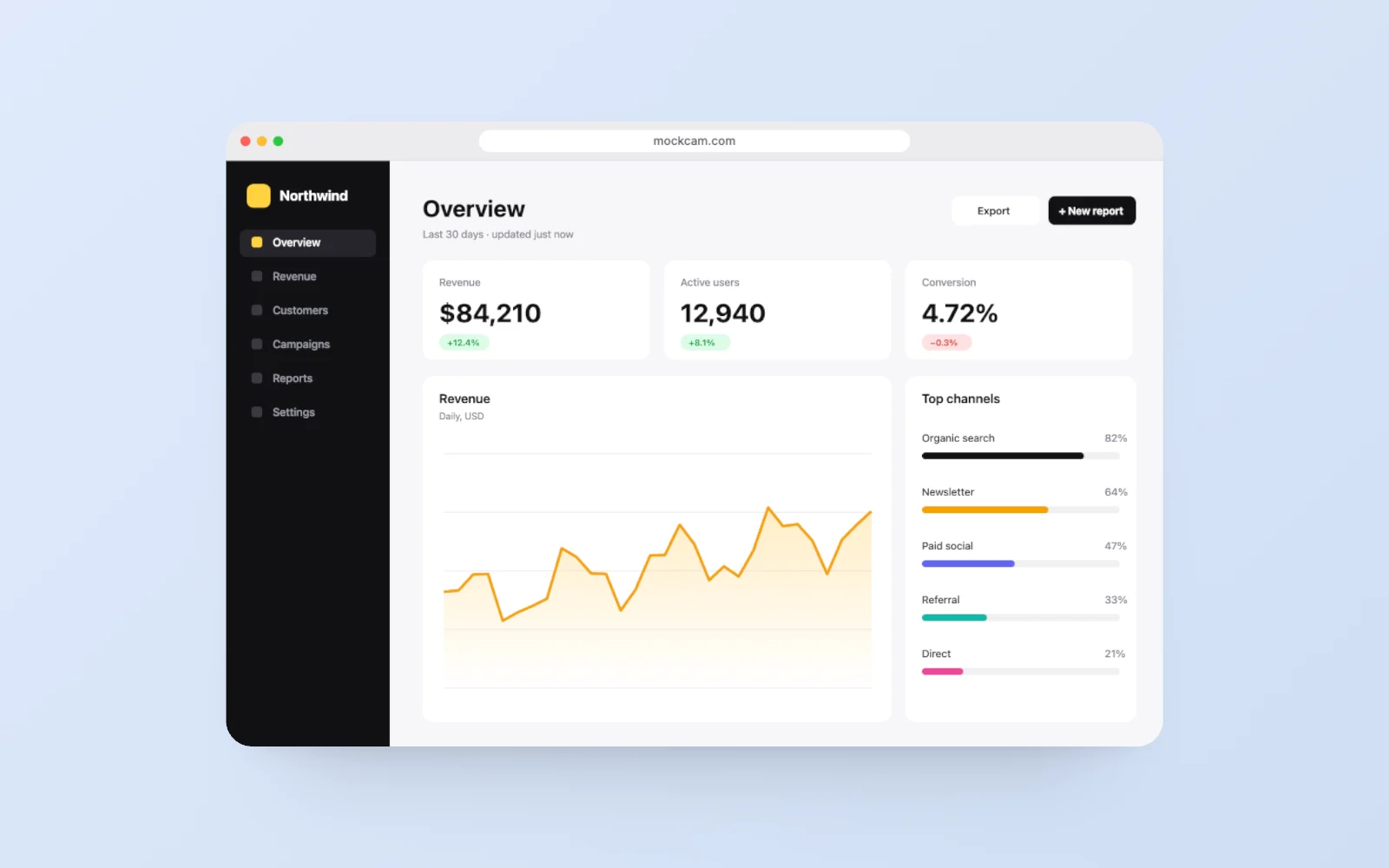
A browser frame tells people "this is a website" at a glance. It is the most common image on landing pages, in changelogs and on Product Hunt, and most tools stop at a flat frame with a gradient behind it.
MockCam does that in one drop, and then goes further: tilt the window in real 3D, blur the background with depth of field, or swap the frame for a MacBook Pro or Studio Display XDR without starting over.
Browser window mockup options
| Frames | Browser window (light or dark, with your URL), rounded corners, border, or none |
|---|---|
| Corners | Adjustable radius |
| Tilt | Free rotation on three axes with real perspective |
| Shadow | Soft contact shadow, adjustable |
| Backdrop | Solid colour, gradient, your own image, or a soft blur of your own screenshot |
| Photo export | PNG, JPEG or WebP at HD, 2K or 4K |
| Video export | Coming soon: MP4 (H.264) or WebM at HD, 2K or 4K, 30 or 60 fps, with keyframed camera moves |
| Free plan | 3 photo captures a week, no watermark, personal use |
| Pro, $12/month | Commercial licence, 36 captures a week (20 videos once video ships) |
Browser window mockup FAQ
Is the browser mockup generator free?
Yes. Browser frames are on the free plan, with 3 captures a week and no watermark on photos.
Can I change the URL in the address bar?
Yes. Type any URL and pick a light or dark browser theme.
Is this a screenshot beautifier?
Yes. With the frame set to rounded corners or none, MockCam works as a screenshot beautifier: backdrop, padding, corner radius and shadow, up to 4K.
Does it work with transparent backgrounds?
Transparent export is planned for Pro. Until then, use a solid or gradient backdrop.